
Set your team lineup as a captain
Use this guide to assign players to each line before your team event begins.
You must be assigned as a captain to edit your team lineup. If you need to add players first, see Pick up free agents as a captain.
Open the event page.
Go to Player Hub > Captains.
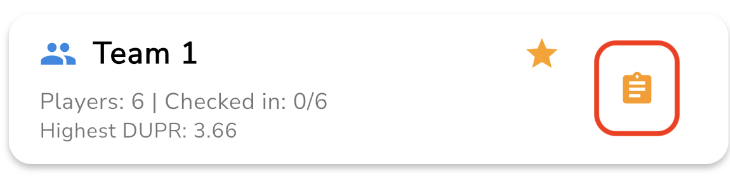
Find your team and select the orange clipboard icon next to the team name.
For each line, choose the players you want to assign.
Review the lineup, then save your changes if prompted.
If a player is missing from the lineup screen, go back and confirm they are already on your team.
If you cannot access lineup controls, contact your event host to confirm your captain assignment.
Was this helpful?
Was this helpful?