
Create a GGS event from a CourtReserve event
Create your event from a CourtReserve event if you want registrations to stay linked and synced in Good Game Sports. This is the required path for CourtReserve-based event syncing.
Before you start, make sure CourtReserve is connected and your event appears on the CourtReserve Events page.
Create the event
Open your club page, then click Manage Club.
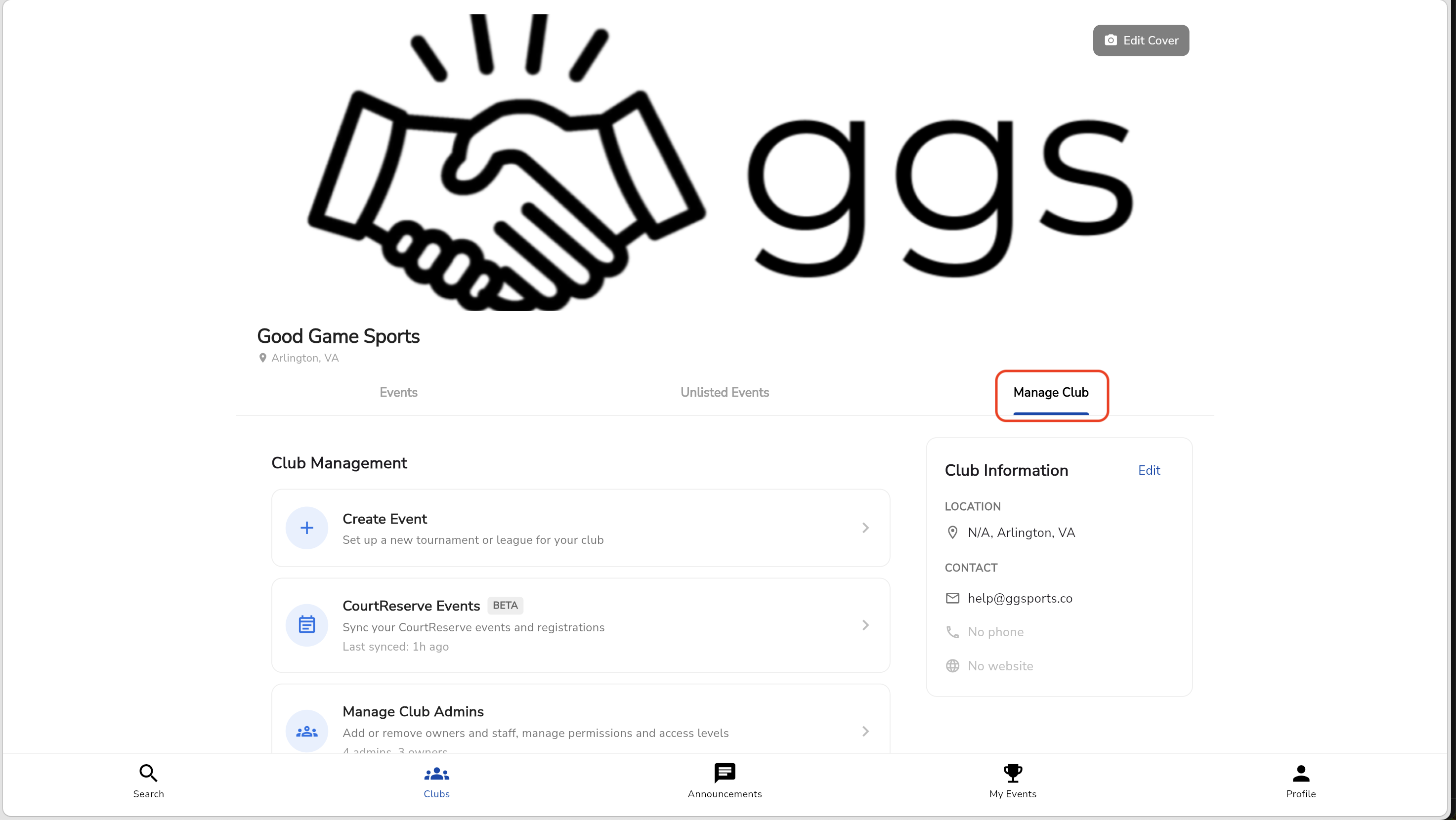
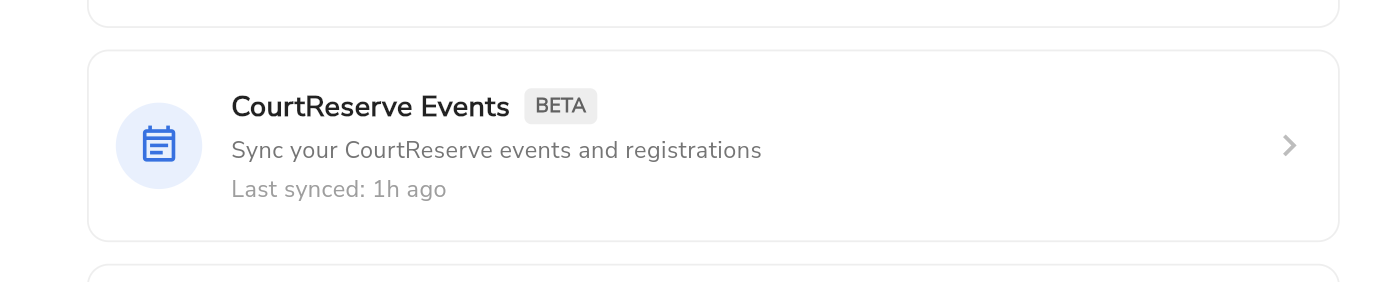
Select CourtReserve Events.
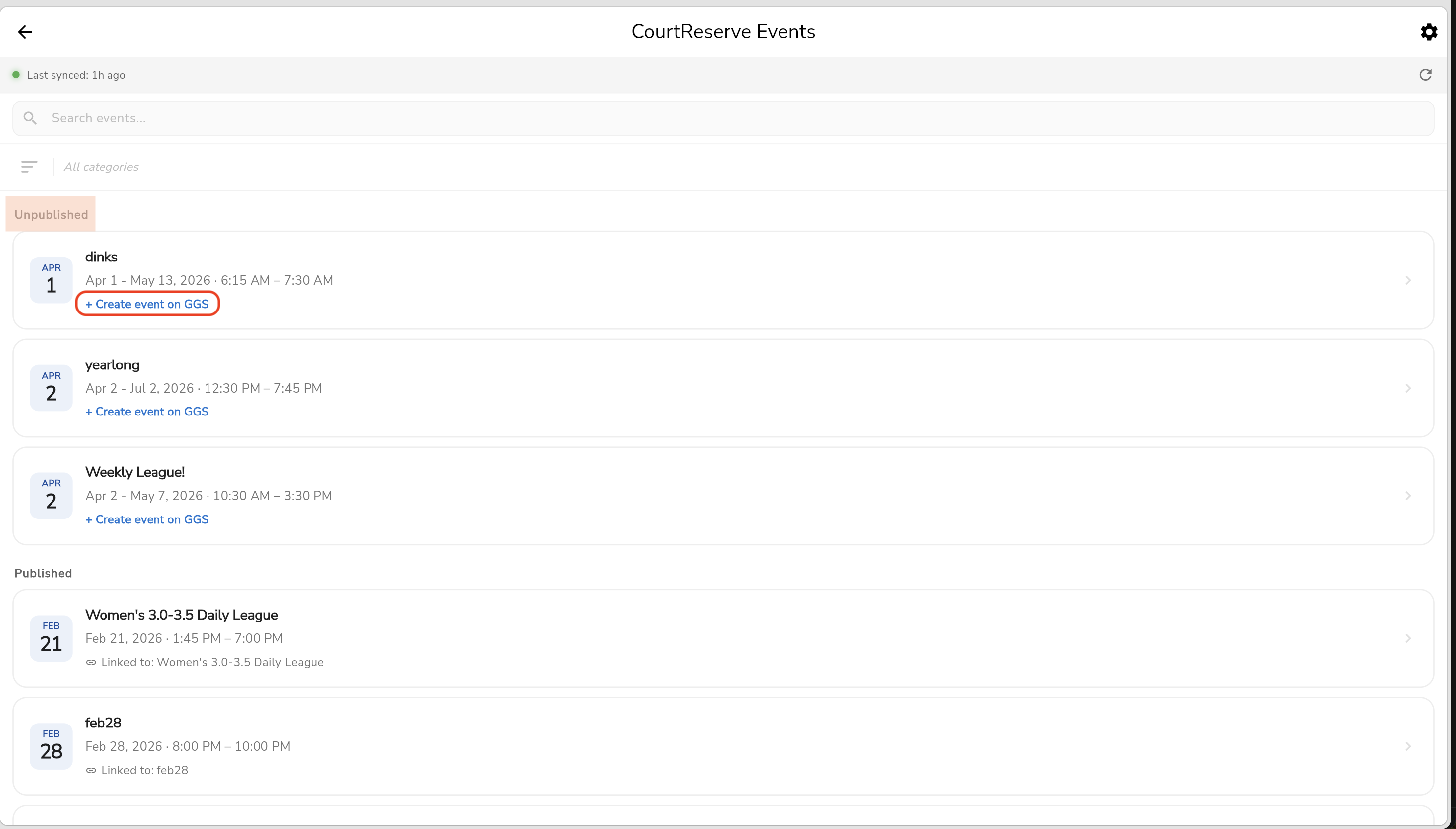
Choose an event under Unpublished and press "+ Create Event on GGS"
Select the event type and format.
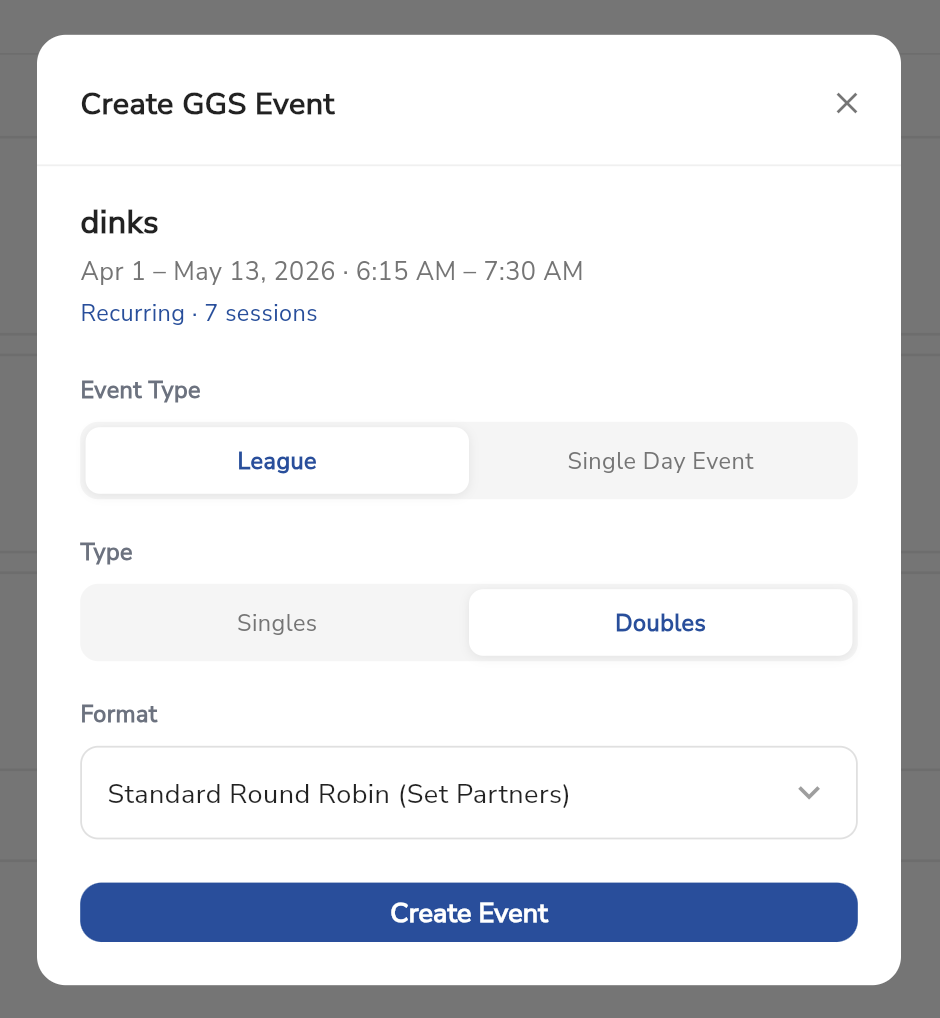
Create the event.
If you create the event directly in Good Game Sports, you cannot link it to CourtReserve registrations later.
CourtReserve-based events use external registration, so players keep registering in CourtReserve.
What to check after you create it
The event details are correct.
The event is now linked from the Published section.
Your staff knows registrations still happen in CourtReserve.
What to do next
After the event is created, continue with Sync players into an event. If your club also takes payments, finish Connect Stripe before opening registration.